How it works · You are paid through Teleport Payroll
Recipient
Your path is short: accept the invitation, verify your identity, and say where the money should go. After that the account is only there for looking at payouts and documents.
Steps
5 steps
Step 01
Accept the invitation
- What you do
- Open the link from your employer's email and choose a password. The email address is already filled in — it is the one the message reached.
- What happens on our side
- We create a recipient account for you. It is yours, not your employer's: they cannot see your password and cannot sign in as you.
What this unlocks. Your account: payouts, identity, payment details, documents.
Worth knowing. The link expires and works once. If it has run out or will not open, ask your employer to send the invitation again.
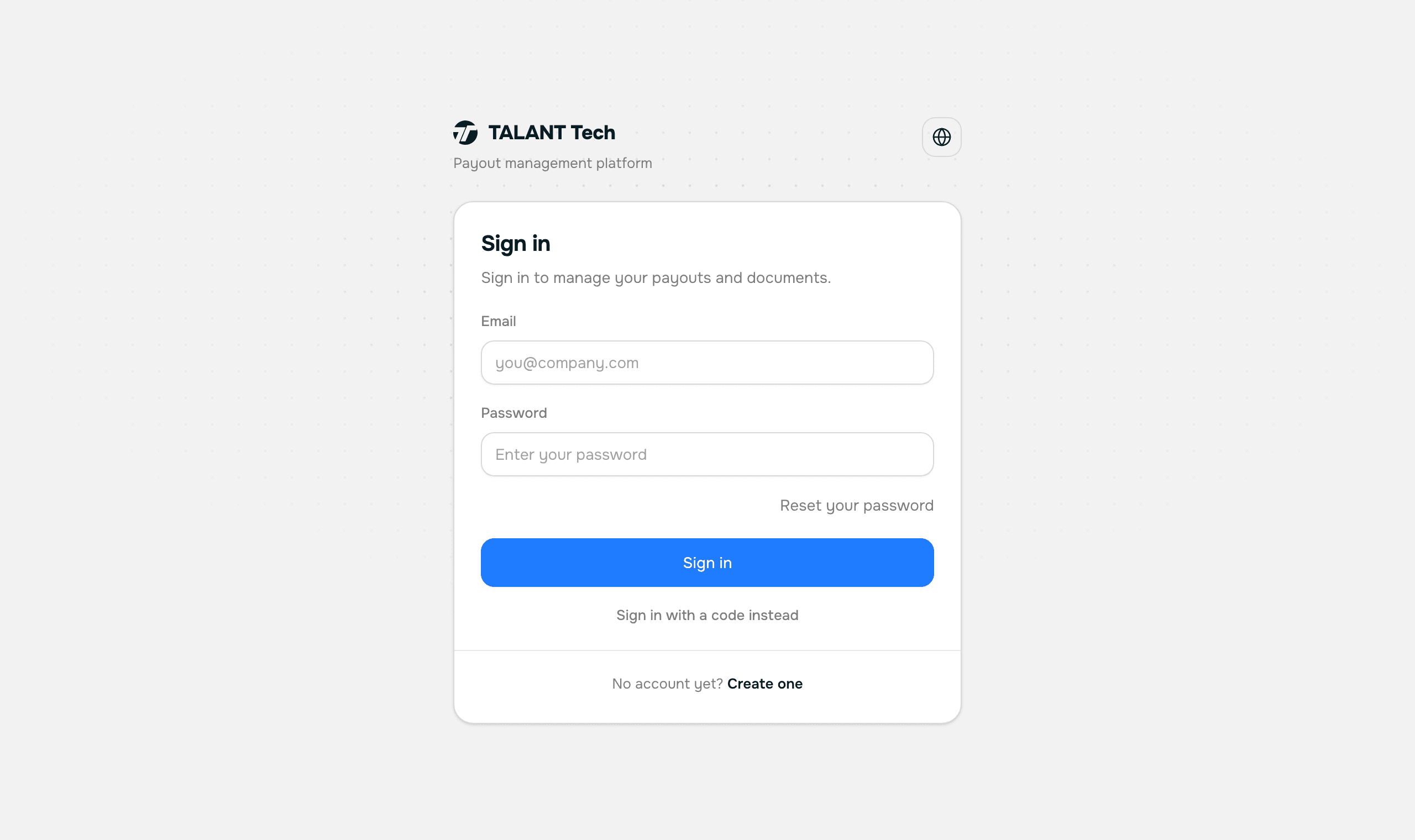
Accepting an invitation — Screenshot of this screen Step 02
Verify your identity
Where: payroll.teleport.ltd/account/me/identity
- What you do
- “Verify identity” opens a Veriff tab: photograph your ID document and your face. Two minutes, done once.
- What happens on our side
- We receive the result and show it to you and to your employer — they see that your identity is confirmed, not what you confirmed it with.
What this unlocks. Payment details.
Worth knowing. The check exists because a payout goes to a named person, and we have to be able to show that the name belongs to someone real.
Important. The document is handled by Veriff, an identity-verification provider. We keep the result and the document type. We do not keep the photographs, and your employer cannot reach them.
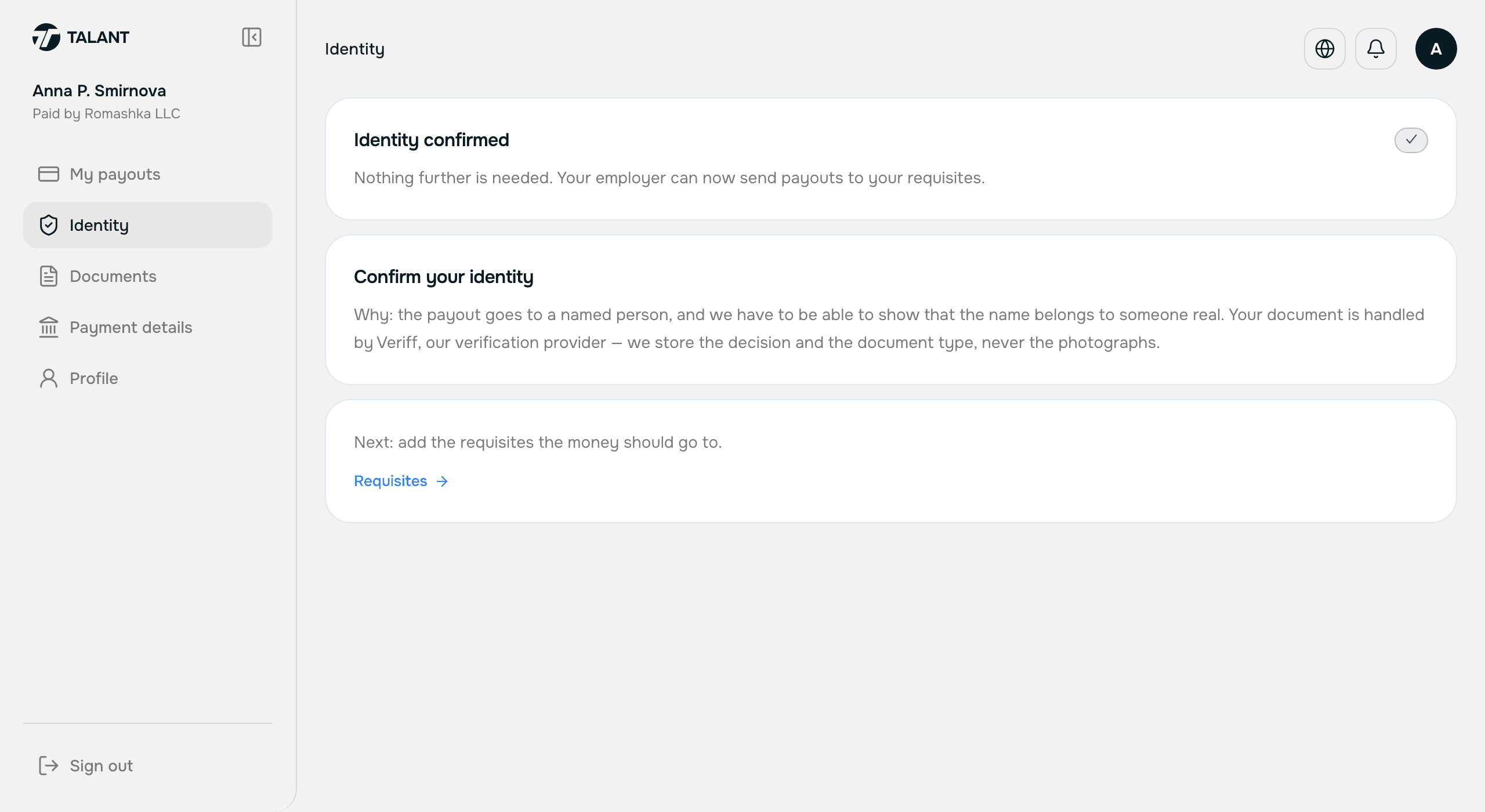
Identity verification in the recipient account — Screenshot of this screen Step 03
Add your payment details
Where: payroll.teleport.ltd/account/me/requisites
- What you do
- Add where the money should go: an account, a card, a phone-number transfer or a crypto wallet — whatever suits you. More than one is fine.
- What happens on our side
- Your employer sees the same details on your card and picks between them when paying.
What this unlocks. That is everything. Now you wait for a payout.
Worth knowing. The details are yours and you are the one who changes them. It is a single record: what you see is what your employer sees.
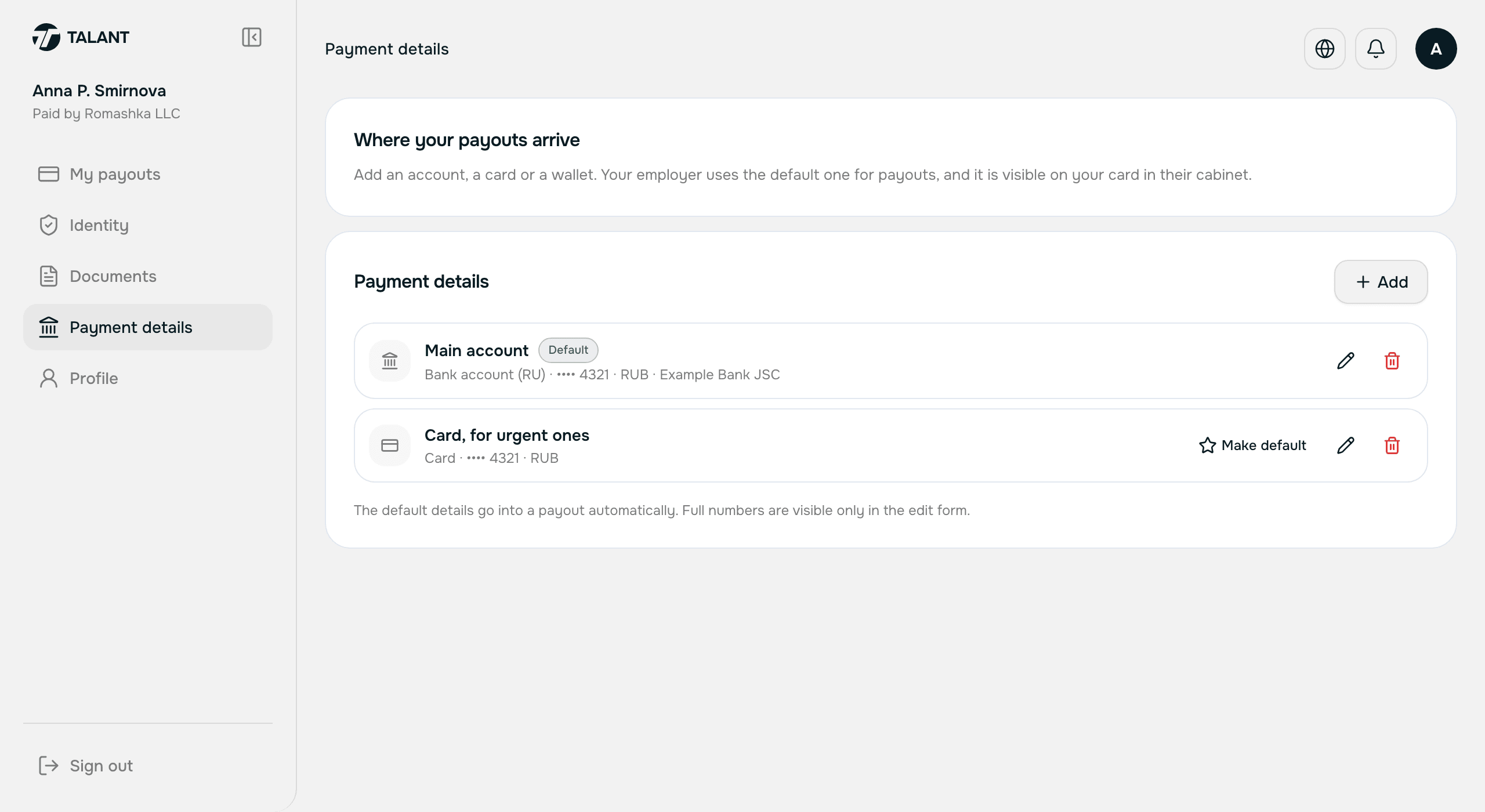
Payment details — Screenshot of this screen Step 04
Receive a payout
Where: payroll.teleport.ltd/account/me
- What you do
- Nothing. Your employer files the payout.
- What happens on our side
- We show you every payout: how much, under which contract, and what state it is in.
Worth knowing. Only what concerns you is here. The company's balance, its other people and their amounts are not visible to you.
Important. How long the money takes depends on the country and the method. If a payout sits in progress for a long time, ask your employer — the agreement about timing is between you and them.
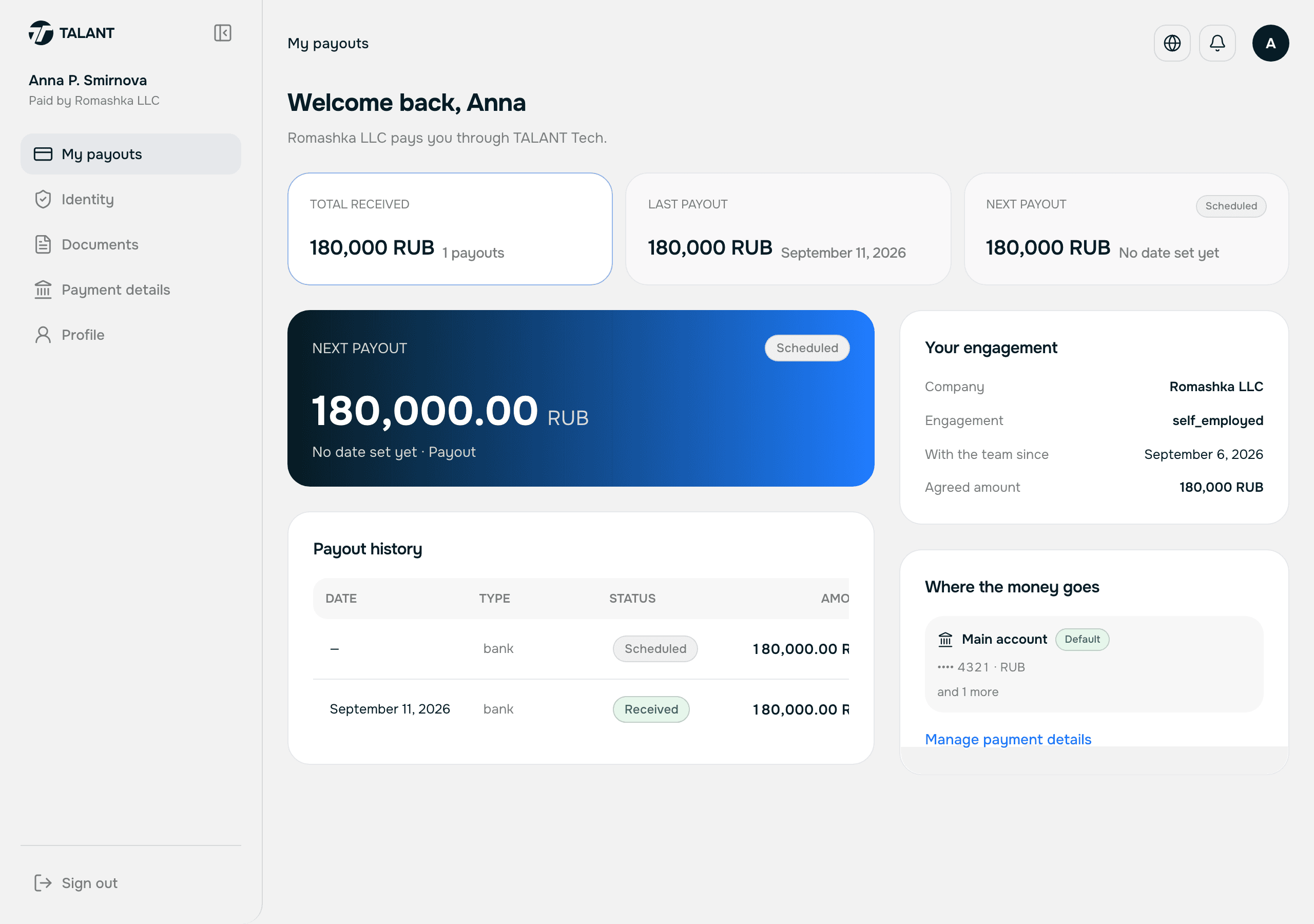
My payouts — Screenshot of this screen Step 05
Documents
Where: payroll.teleport.ltd/account/me/documents
- What you do
- Read and download the documents that name you.
- What happens on our side
- We file the paperwork for your contract here.
Worth knowing. Your employer's contract with us does not appear here — it is about the company and contains its banking details.
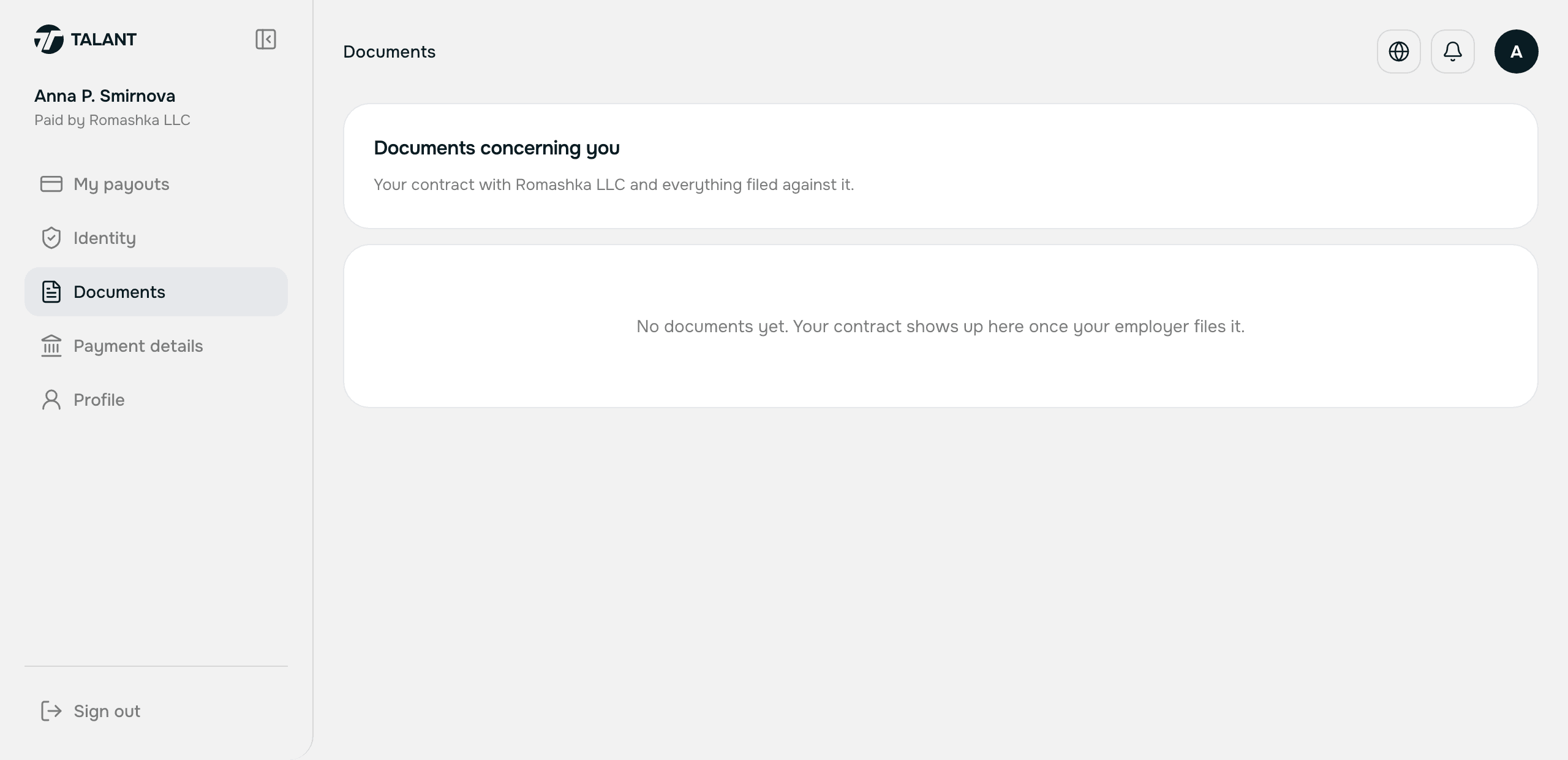
Recipient documents — Screenshot of this screen
Stuck?
Message your manager on Telegram — @mihailgolikov1 — or write to [email protected]. The same contacts sit in the right-hand column of every screen in your account.